Install NSL Points App
Posted October 30, 2014 by TEN80Installing the NSL Points App on Windows
- Download the zip filed using the link provided
- Unzip the file to any location on your computer
- Open the newly created folder and locate the file “NSL Points [your event]”. If you can not locate the filename look for the file that has the same symbol as below and where file type is listed as “Application”
- Double click this file to open the system.

Installing the NSL Points App on an iOS device
The App is optimized for iPad, but can also be used on iPhones. Android devices are not supported.
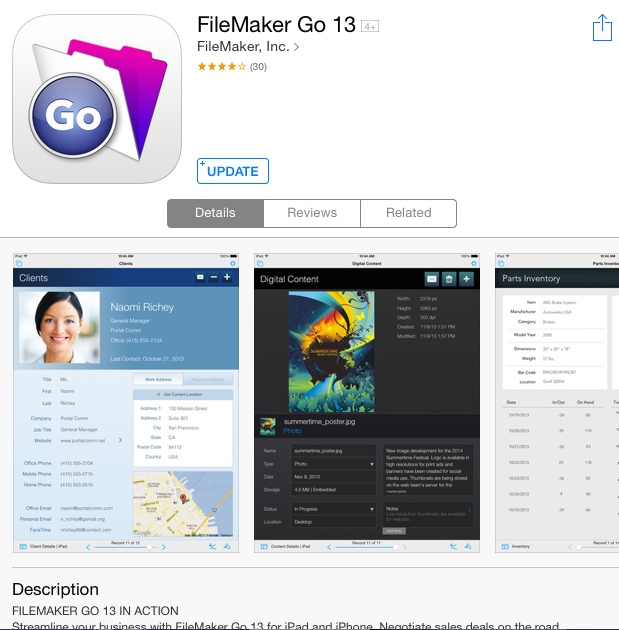
- Download “FileMaker Go 13” from the Apple App Store (free)

- If you received an Email with the NSL points App attached select the attachment and select “Open In ‘FileMaker Go 13’”.
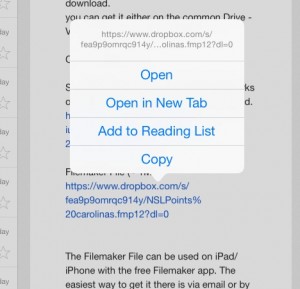
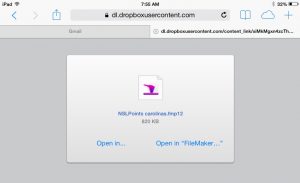
- If you received a download link open the link in your browser, you will see the screen below. Select “Open in FIleMaker”.
- Return to your Home Screen and open the App “FileMaker Go 13”
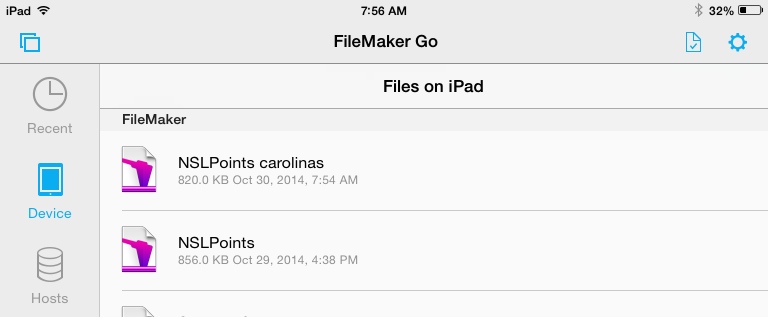
- Select “Device” in the left menu bar
- Open the NSL Points App by tapping on the file.